Capture your ideas, build your knowledge
Free note taking app with block editor, Excalidraw drawings, audio recording, 8 themes and offline support. AI assistant coming soon.

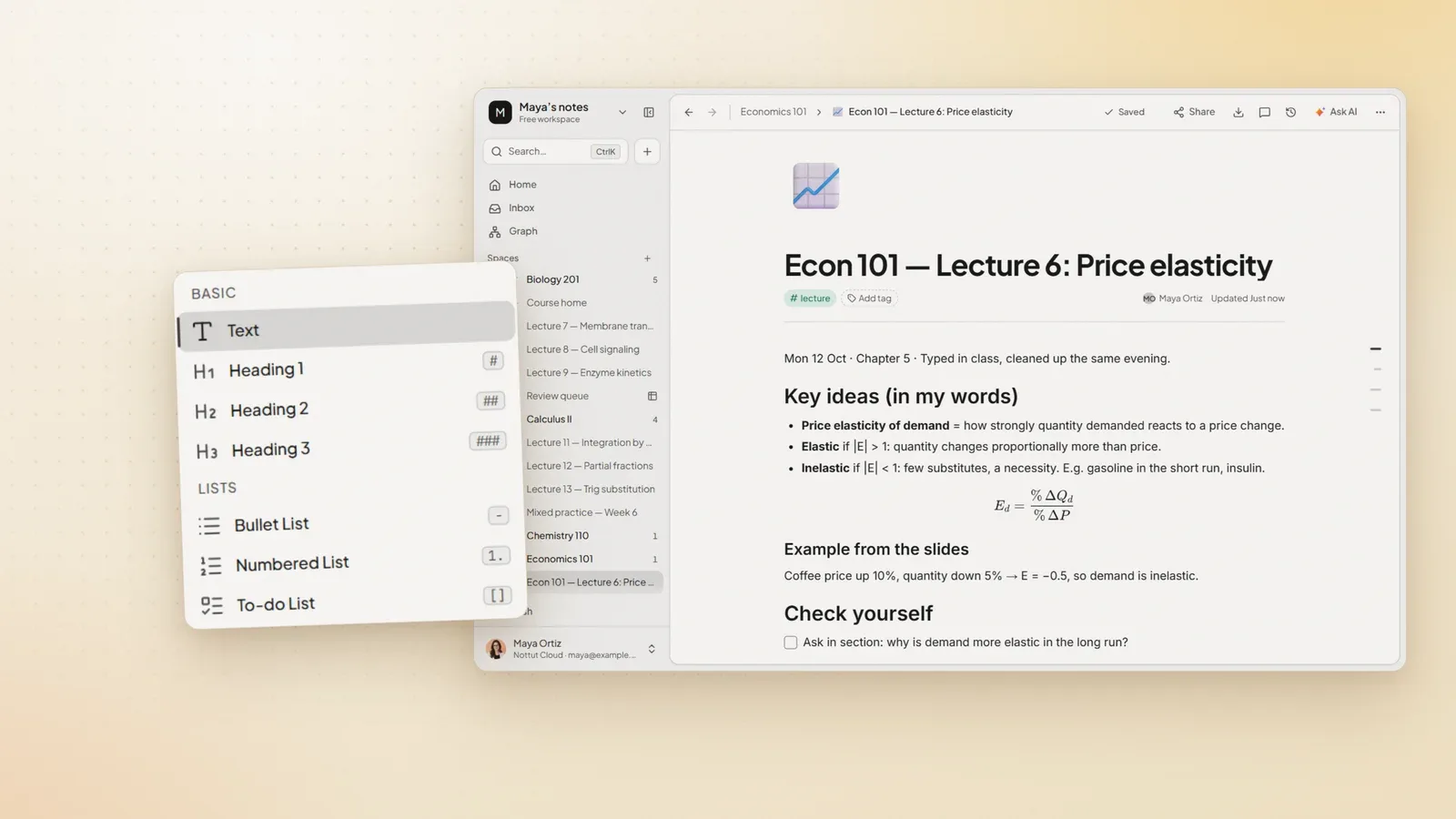
Rich editor
Slash commands, tables, code blocks and task lists in a single flow.
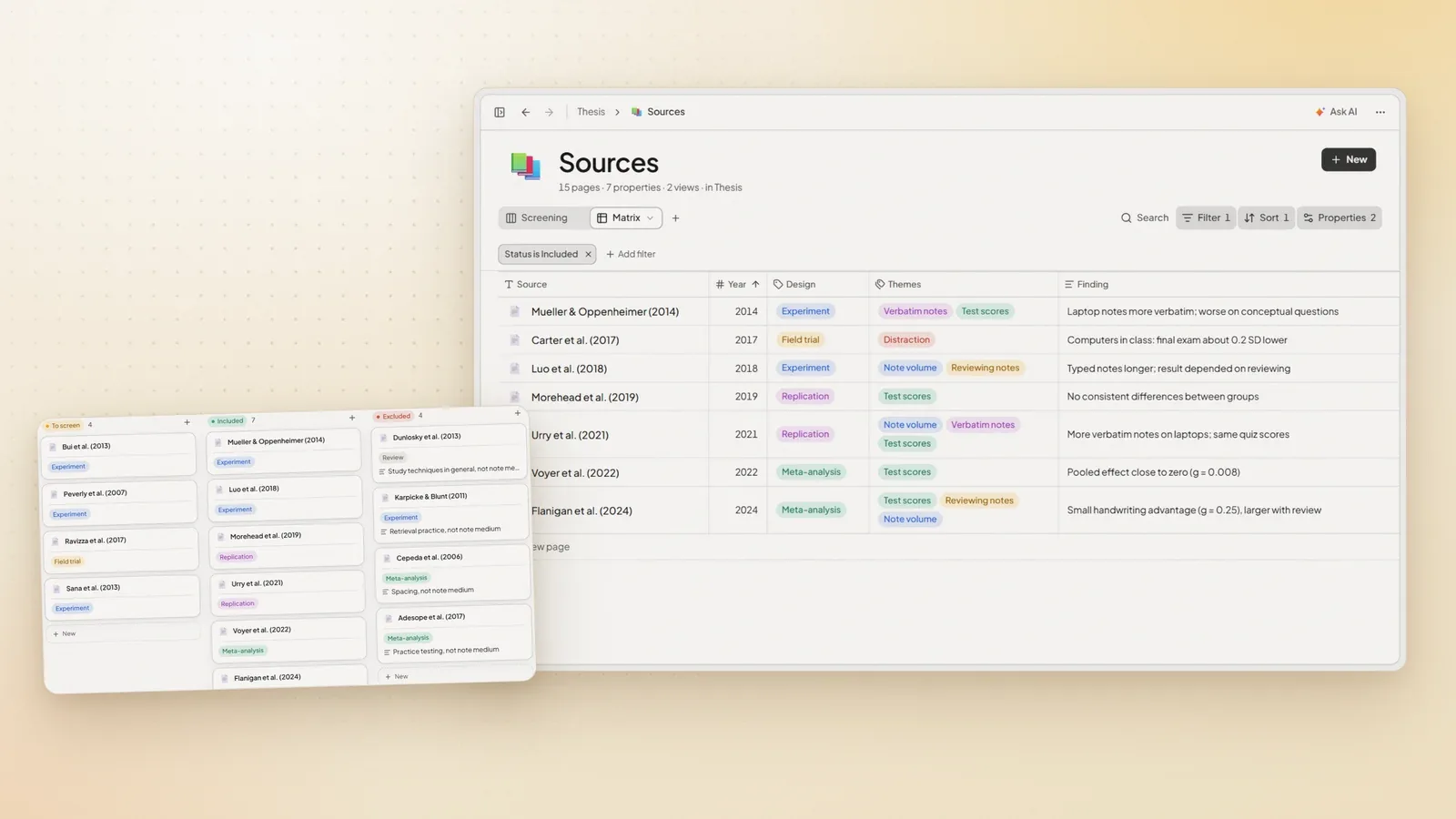
Smart organization
Folders, favorites and quick access solve note chaos before it grows.
Theme palettes
8 different visual characters and light/dark harmony within the same workspace.
Let the product itself be the main proof, not decorative surfaces
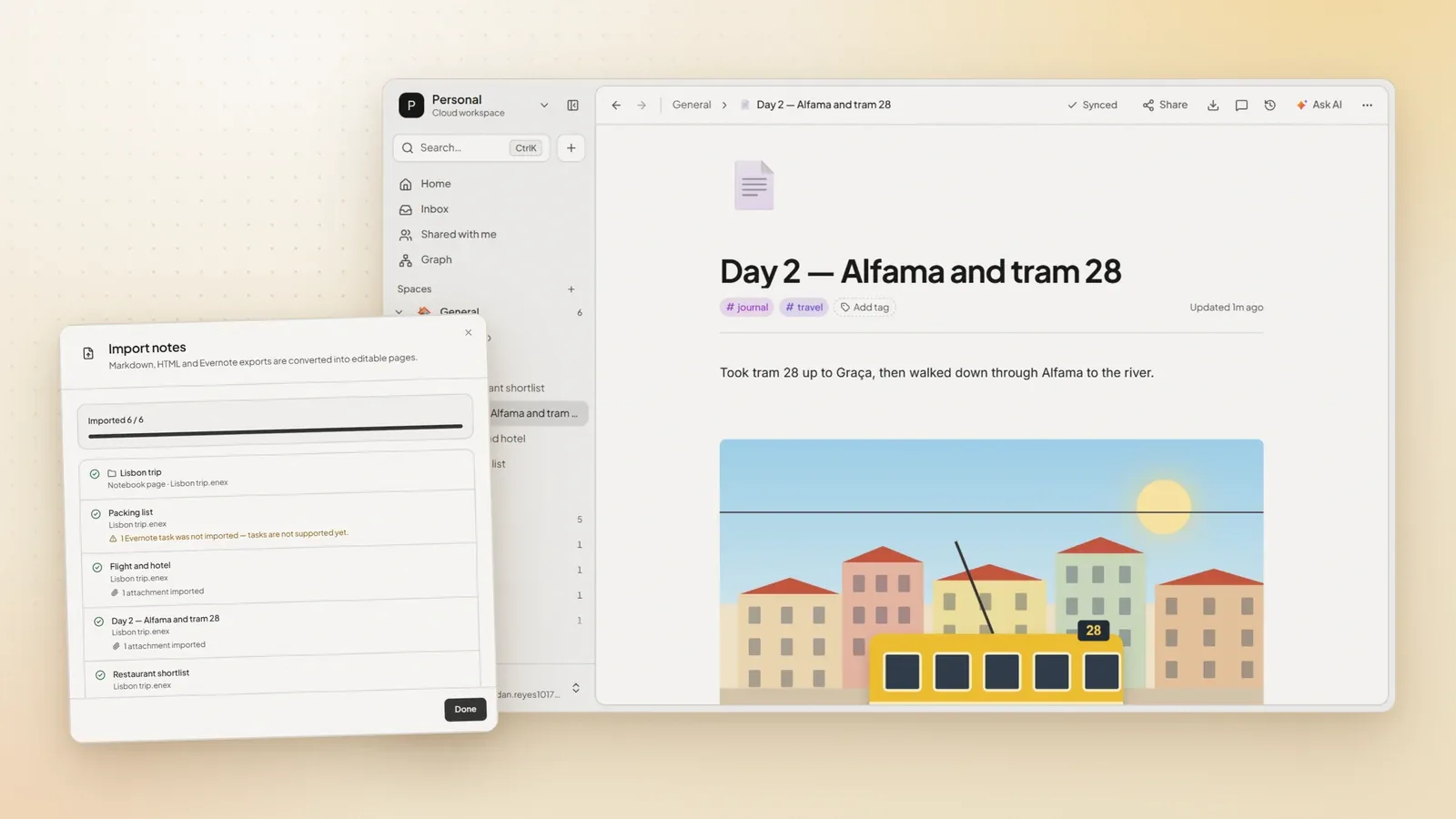
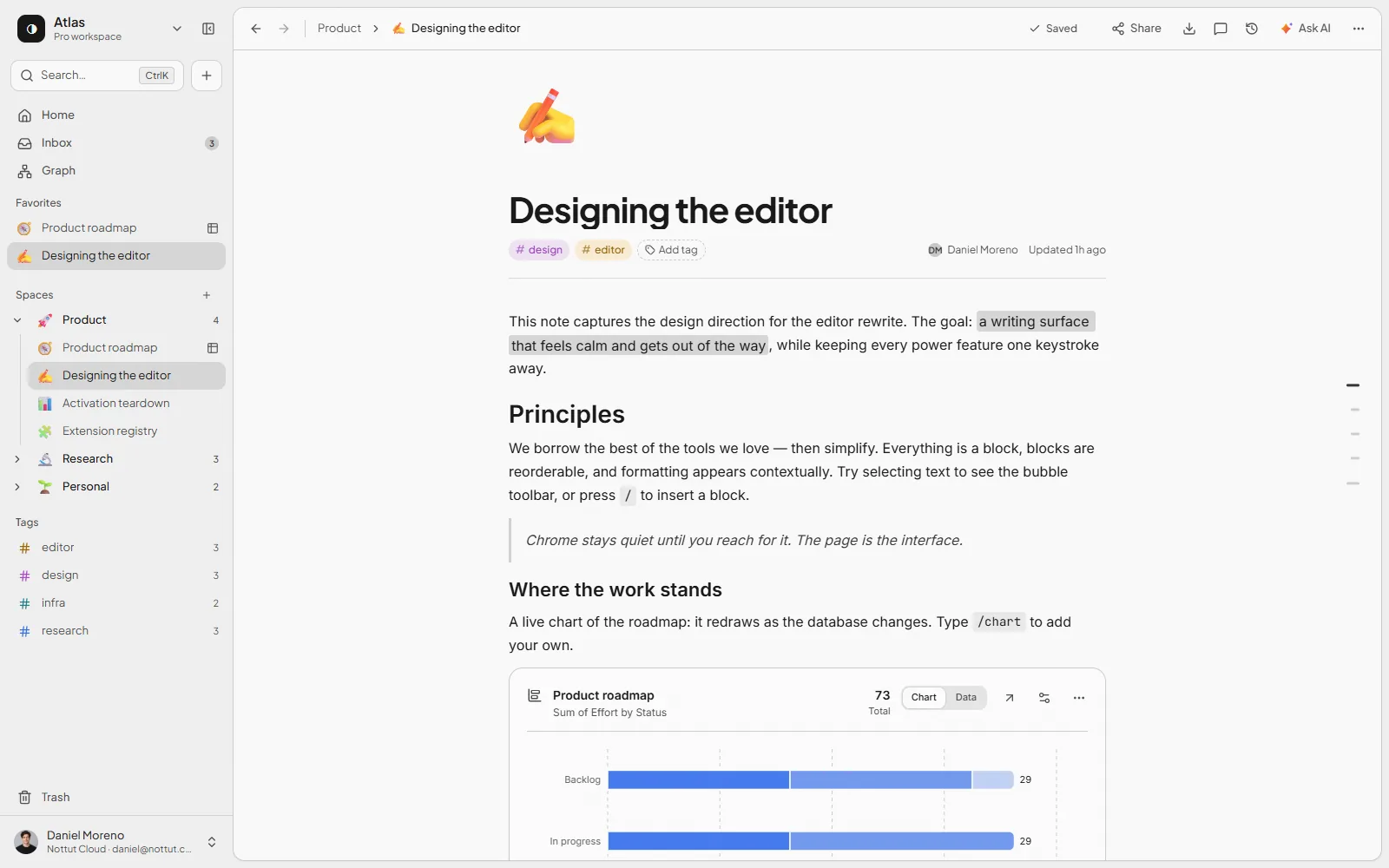
The landing flow now shows real interface areas instead of decorative placeholders. Editor, organization, and theme capacity can be examined within the same section.
Keep writing, tables, tasks, and code flowing inside the same note.
On a real product screen, headings, task cards, callouts, and code blocks appear in the same flow. This turns a note from a document into an active workspace.
- Add blocks with slash commands
- Tables, callouts, and code blocks in the same editor
- Auto-save and sharing actions in the top bar

Go from scattered notes to a working system in three steps
Nottut offers a first flow that works right away instead of complex onboarding: start, set up your note, then make the layout permanent.
Create an account
Get started in minutes with your email; no downloads, installation or credit card required.
Set up your note flow
Build headings, tables, task lists, callouts and code blocks block by block in the same note.
Make the layout permanent
Strengthen the system for daily use with folders, favorites, theme selection and offline saving.
Everything you need in a free note taking app
Block editor, Excalidraw drawings, audio recording, offline support, 8 themes, sharing and export — the best note taking features in one workspace, no subscription required.
Block-based editor
Combine text, tables, callouts, media and code blocks in a single note without breaking flow.
Drag-and-drop organization
Never lose your way with folders, favorites, and quick access points even as your notes grow.
8 professional themes
Choose the character of your workspace with Default, GitHub, Catppuccin and other palettes.
Offline and auto-save
Your edits are preserved even when the connection drops and the flow resumes when you're back online.
Mind map view
Visualize relationships between your notes to clarify research and information architecture.
Privacy-focused design
Controlled sharing, encrypted storage, and a privacy-first approach keep your notes secure and yours.
Use the product first, upgrade only if you truly need it
The landing page now clarifies the current value of the free plan rather than inflating it. The Pro plan is clearly marked as a product roadmap item.
Free Plan
A sufficient starter package for individual users, students, and teams who want to try the product in a real workflow.
- 50 notes, 500 blocks and 10 folders
- Rich editor, code block and table support
- Offline access and auto-save
- 8 theme palettes and font customization
Pro Plan
Planned for advanced team use; clearly and transparently positioned with a "coming soon" label on the landing page.
- Unlimited notes, blocks and folders
- AI Copilot for smart summarization and editing
- Real-time collaboration and team workspaces
- Plugin marketplace access and custom templates
Essential questions for making your decision
The FAQ section now reduces selection risk rather than creating sales pressure; product, usage model and security topics are answered clearly.
Start collecting your ideas in a single organized layout today.
The entire landing flow answers one question: does the product truly simplify daily note-taking? The shortest way to try is to enter with the free plan.